The Opportunity Dashboard is a tool used to show the potential recurring monthly revenue (RMR) you could earn by adding DMP subscription services, such as Virtual Keypad, Monitoring Center Video Verification, and Digital Key Credentials, to your existing customer accounts.
This page displays the following information:
-
Current active subscribers and profit for each service
-
Number of systems or customer accounts not using each service
-
Potential profit calculation:
Net Revenue = (Potential New Subscribers x End User Fee) - SecureCom Cost -
Potential systems or customer accounts that can be activated to use additional services
To view your revenue opportunities, complete the steps below:
View Revenue Opportunities by System
-
Log in to Dealer Admin (dealer.securecomwireless.com).
-
In the menu, select Opportunity Dashboard.
-
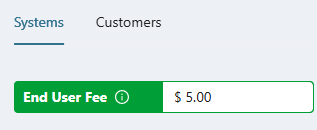
Select System to view revenue opportunities by system.
-
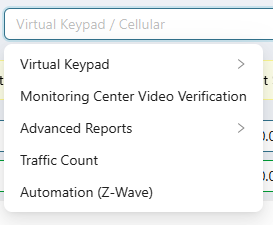
In End User Fee, use the drop-down menu to enter the amount you charge customers for one of the following services:
-
Virtual Keypad
-
Cellular
-
EASYconnect
-
EASYconnect + Cell Backup
-
-
Monitoring Center Video Verification
-
Advanced Reports
-
Cellular
-
Network
-
-
Traffic Count
-
Automation (Z-Wave)
-
-
View revenue opportunities by customer or go to View Current and Potential Revenue to view a breakdown of your current and potential revenue.
View Revenue Opportunities by Customer
-
Log in to Dealer Admin (dealer.securecomwireless.com).
-
In the menu, select Opportunity Dashboard.
-
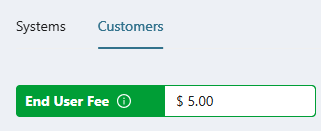
Select Customer to view revenue opportunities by customer.
-
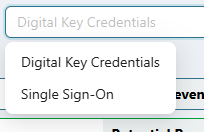
In End User Fee, use the drop-down menu to enter the amount you charge customers for one of the following services:
-
Digital Key Credentials
-
Single Sign-On
-
-
Go to View Current and Potential Revenue to view a breakdown of your current and potential revenue.
View Current and Potential Revenue
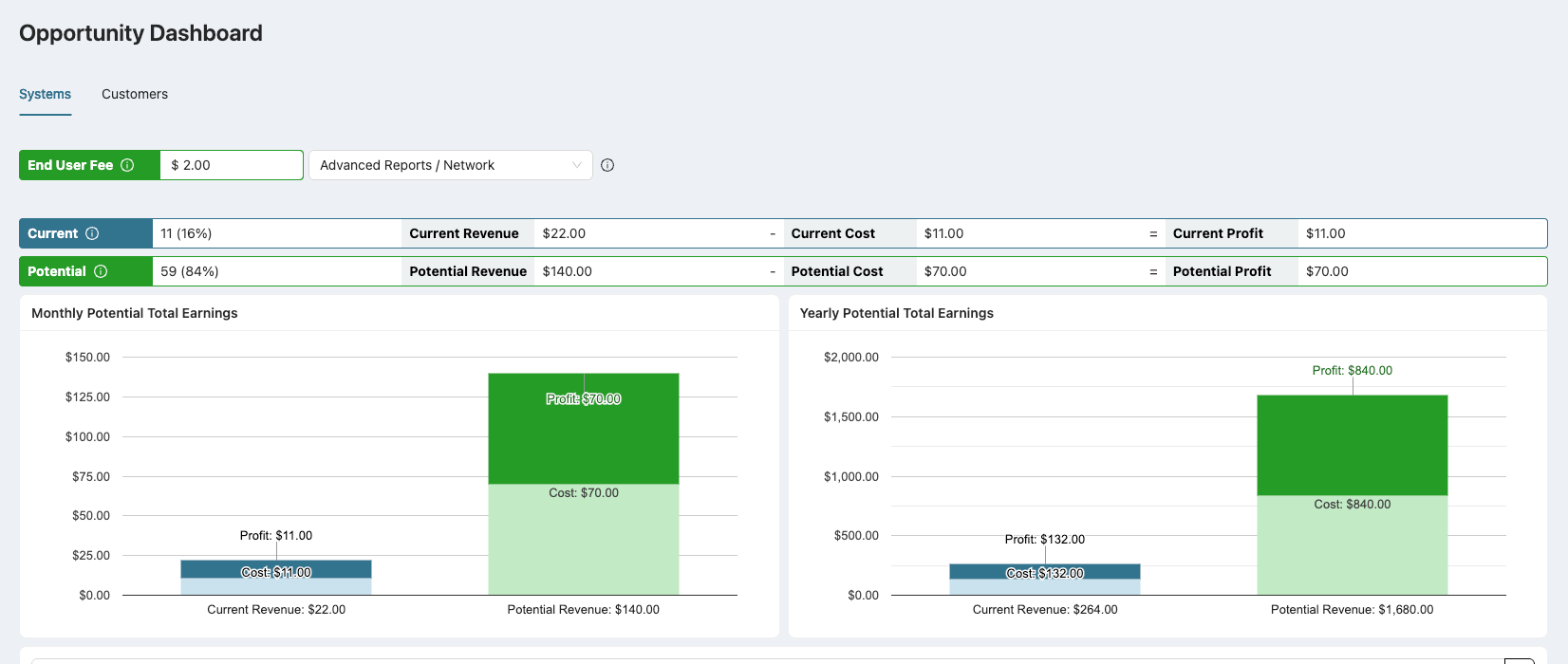
Once you’ve entered the End User Fee and selected a feature, the dashboard displays the following information:
-
Current activations — Active subscribers and your current revenue, cost, and profit.
-
Potential activations—Customers who could be using each service and your potential revenue, cost, and profit.
The dashboard also shows the monthly and yearly potential total earnings, including the current and potential cost and profit.
View Potential Activations
Once you’ve entered the End User Fee and selected a feature, you can view the systems that can be activated to increase your revenue. The table shows each customer’s Email, Phone Number, System Name, System Type, and the system creation date.
To activate the selected feature for the customer, select Activate.

Export Customers List
-
Log in to Dealer Admin (dealer.securecomwireless.com).
-
In the menu, select Opportunity Dashboard.
-
Enter the End User Fee and select the feature to view potential activations.
-
Select Export Customers List under the Current and Potential Revenues chart.