
-
Log in to Dealer Admin (dealer.securecomwireless.com)
-
Go to Customers and select the customer’s name associate with the XV Gateway.
-
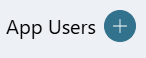
Go to App Users, then select the Add icon.
-
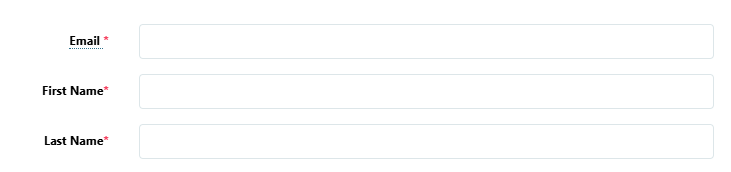
Enter the user’s Email, First Name, and Last Name.
-
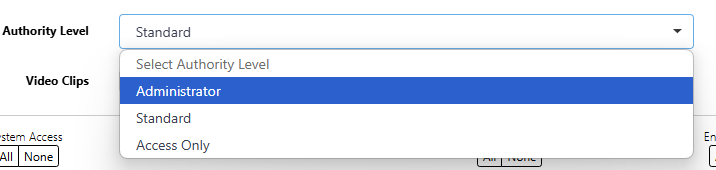
Select one of the following authority levels:
-
Administrator—The user can manage multiple systems.
-
Standard—The user can manage a single system.
-
Access Only—The user has temporary door access.
-
-
If you want to email the user video clips, select the checkbox next to Email Video Clips.
-
Select the systems you want the user to have authority to access.
-
Choose if you want users to be able to View User Codes or Enable Reports. If you want to allow Virtual Keypad users to initiate a system panic from the app and website, enable any of the following options:
-
Police Panic
-
Fire Panic
-
Emergency Panic
-
-
Select Save. After you add an app user in Dealer Admin, the user is sent a welcome email with a link to finish setting up their account by creating a password.